Most handhelds rely on two parts that wear: a rechargeable battery and a screen that is easy to mark. Neither needs special equipment to protect. What helps is a handful of habits, and most of them cost nothing.
Know What Battery You Have
Early handhelds ran on disposable AA cells: the original Game Boy used four for up to 30 hours of play, and the Game Boy Advance used two for up to 15. The Game Boy Advance SP was the first Game Boy with a rechargeable battery. It was a lithium-ion pack that lasted about 10 hours with the light on and 18 hours with it off, and needed about three hours to charge. Modern handhelds, such as the Analogue Pocket with its 4,300 mAh lithium-ion battery, charge over USB-C. The advice below is for lithium-ion packs, which are the type in nearly every rechargeable handheld.
Charging Habits That Help
The most detailed public source on this is Battery University, a reference site on battery technology. Its main points on lithium-ion cells are:
- Shallow top-ups beat deep drains – Shallow discharges put the battery under less stress. For one common cell type, the site's figures give about 300 cycles when the battery is drained fully each time, against about 2,000 when it is only taken down by 20 per cent. Those figures are for that chemistry and will not match every handheld exactly, but the pattern holds.
- No need to drain it first – Lithium-ion cells have no memory effect, so there is no need to run the battery flat before charging. Charge whenever it is convenient.
- The occasional calibration – The site mentions one exception: smart batteries with a fuel gauge sometimes benefit from a calibration. If the percentage on your handheld jumps around, check the maker's advice.
In practice: charge it when you finish a session instead of waiting for the warning light.
Keep It Away From Heat
Heat is the biggest enemy of a lithium-ion battery. Battery University treats anything above 30°C as elevated and says the worst case is keeping a fully charged battery in the warmth. Its figures for a fully charged cell after a year are about 94 per cent of capacity left at 0°C, 80 per cent at 25°C and 65 per cent at 40°C.
- Do not leave the handheld on a sunny windowsill, a car dashboard or a radiator.
- If it gets noticeably warm while charging, take it out of its case.
Storing It for Weeks or Months
If a handheld is going into a drawer, store it partly charged rather than full. According to Battery University, a lithium-ion cell stored at about 40 per cent charge keeps about 96 per cent of its capacity after a year at 25°C, against about 80 per cent for one stored full. Cooler is better: the same table gives 98 per cent at 0°C and 85 per cent at 40°C. A cool room indoors is the sensible choice. Because the site also advises against full discharge, do not leave it to run empty in the drawer either, and top it up every few months.
Screen Types and Why They Matter
Retro handhelds use different screens, and they behave differently.
- Reflective screens – The original Game Boy had a reflective monochrome screen of 160 by 144 pixels with no backlight, and the original Game Boy Advance had a reflective colour screen. The Playdate also has a reflective screen with no backlight. These need good light around you, so playing in a dim room is a strain.
- Frontlit and backlit screens – The Game Boy Advance SP came in two forms: the first used a frontlight with a reflective surface behind the screen, and the later model used a backlight that lights the pixels directly. When it is off, the backlit one looks fully black and the frontlit one looks lighter. If you buy one second-hand, ask which it is.
- Modern LCDs – These are what most current handhelds use. The Analogue Pocket's is a 3.5-inch backlit LCD. Care is similar to a phone screen.
Cleaning the Screen
Switch the handheld off and unplug it. Then follow the advice that phone makers give, which is a good guide for small screens. Apple's iPhone guidance asks for a soft, lint-free cloth, only slightly damp if needed, with no moisture getting into openings. It says not to use household cleaners, compressed air, aerosol sprays, solvents, ammonia or abrasives. Check your handheld's manual in case the maker says something different.
- Wipe gently in one direction rather than scrubbing.
- Never spray liquid straight on to the screen or the buttons.
- Dust the d-pad and button gaps with a soft, dry brush.
- Keep it in a pouch, a sleeve or a hard case so that keys and coins cannot scratch it.
Protect It From Knocks and Water
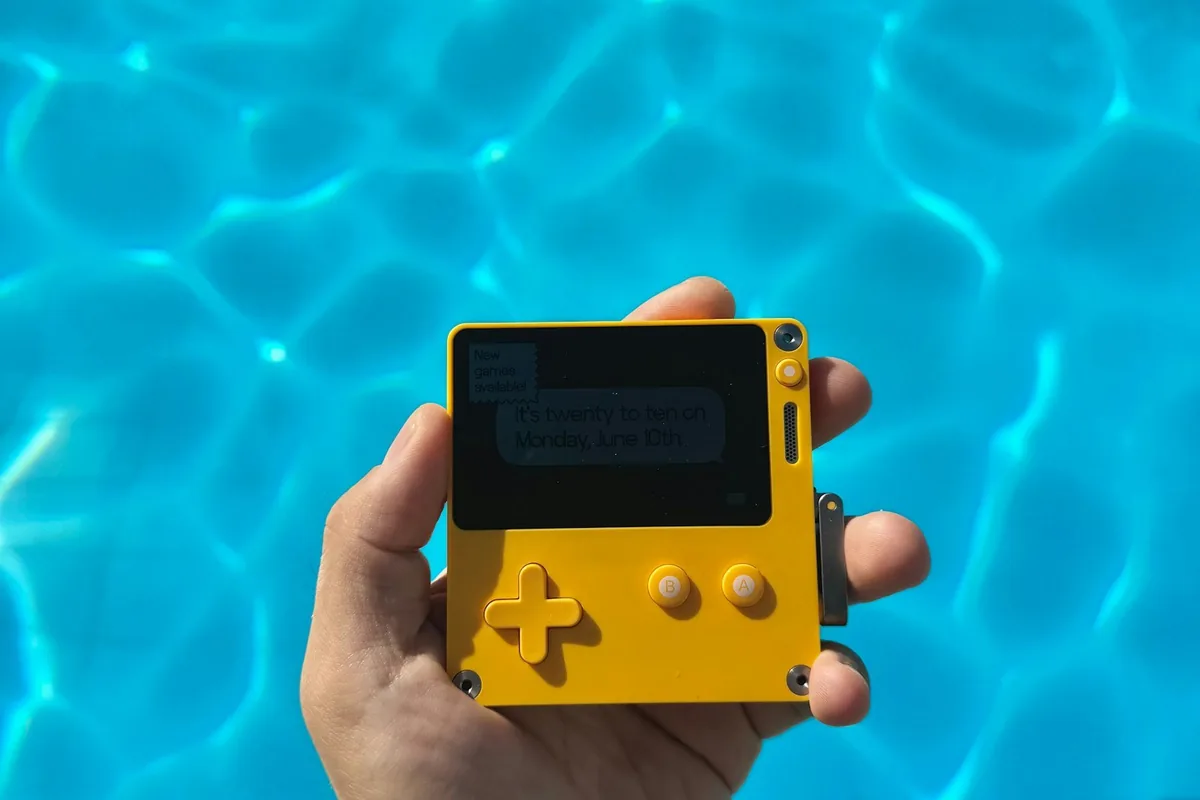
Small handhelds are made of plastic and have thin screens. A zipped case protects both in a bag. Do not use one in the bath or near a pool unless the maker states a water rating. If it does get wet, switch it off and dry the outside, and do not charge it until it is fully dry.
Signs of a Failing Battery
- Play time that is much shorter than when it was new.
- A handheld that switches off suddenly while the gauge still shows power.
- A case that looks swollen or is lifting apart. Stop using it and ask the maker or a repair shop about a safe replacement.
Final Thoughts
Keep the handheld cool, charge it little and often, store it part-charged and clean the screen with a soft cloth. These habits protect it for years. If you are still choosing a device, read what to look for in a retro handheld to compare screens and batteries before you buy.
We may earn a commission when you buy through links on our site. Learn more · How we rank products